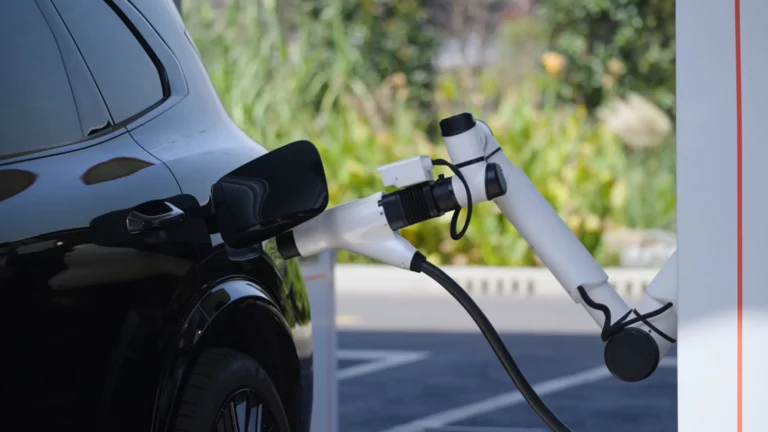


Wallbox has added a new Ready-by scheduling tool and a set of battery management features to its Wallbox App for the Pulsar charger family, letting drivers set a departure time and target battery level instead of manually adjusting charging schedules. The update targets drivers dealing with variable electricity tariffs and home solar generation, where charging costs can shift significantly depending on time of day. Wallbox says the changes are meant to reduce manual intervention while giving drivers more visibility into battery status from a single app. The features roll out for the Pulsar Max, Pulsar Pro, and Pulsar Plus (North America) charger lines.
Highlights
- Ready-by is a new beta feature that builds an optimized charging schedule from two inputs: planned departure time and desired battery level
- Ready-by is available now for Pulsar Max, Pulsar Pro, and Pulsar Plus (North America), and requires the latest charger software
- New battery tools add State of Charge (SoC) visibility, a Safety Charge minimum threshold, and a Charge Limit maximum threshold
- Enrollment requires linking the vehicle to the Wallbox App using OEM credentials through the in-app Smart Charging Beta flow
A New Way to Schedule Charging Automatically
Time-of-use electricity tariffs mean the timing of a charging session can affect the cost, but Wallbox says few drivers want to adjust their schedule every time their routine changes. Ready-by is designed to remove that manual step: drivers enter a planned departure time and a desired battery level, and the app builds a schedule around those two inputs, prioritizing lower-cost energy periods while working to have the vehicle ready by the specified time.
Ready-by is currently a beta feature for Pulsar Max, Pulsar Pro, and Pulsar Plus (North America) chargers running the latest software version.
New Battery Management Tools in the App
Alongside Ready-by, Wallbox added three features aimed at giving drivers a clearer view of battery status without leaving the app:
- State of Charge (SoC) Visibility — shows the vehicle’s current battery level in real time inside the Wallbox App
- Safety Charge — lets drivers set a minimum battery level so the vehicle retains enough charge for unplanned trips
- Charge Limit — lets drivers cap charging at a maximum threshold for everyday use; Wallbox says capping the charge also helps extend battery lifespan
All three features are available on Pulsar Max, Pulsar Pro, and Pulsar Plus (North America). The same app framework already supports Wallbox’s Quasar 2 bidirectional charger, which uses vehicle-to-home functionality to let a compatible EV power parts of a home.
How to Enroll
Enrollment happens inside the app rather than through a separate signup process. Drivers open the Wallbox App, navigate to their charger, and tap “Join the Smart Charging Beta,” then follow the prompts to connect their vehicle using their OEM account credentials. Once connected, the Ready-by and battery management features become available. The Wallbox App is available for download on the App Store and Google Play.
What Installers Need to Confirm
Wallbox is directing installers to verify three conditions during setup so customers can access Smart Charging as soon as installation finishes:
- The charger is connected via Wi-Fi or 4G
- The charger is not connected to an OCPP network
- Commissioning and ownership transfer were completed correctly
The reminder follows Wallbox’s broader push to build out app-based tools across its charger lineup — the company’s Pulsar Pro added its own app and portal reimbursement tracking for fleet and company-car charging earlier this year.
Sign up for our popular weekly email to catch all the latest EV news!